
Walk-In Cooler Maintenance Tips to Keep Food Safe and Equipment Running
By Pat Finley – Master Certified Lead Technician
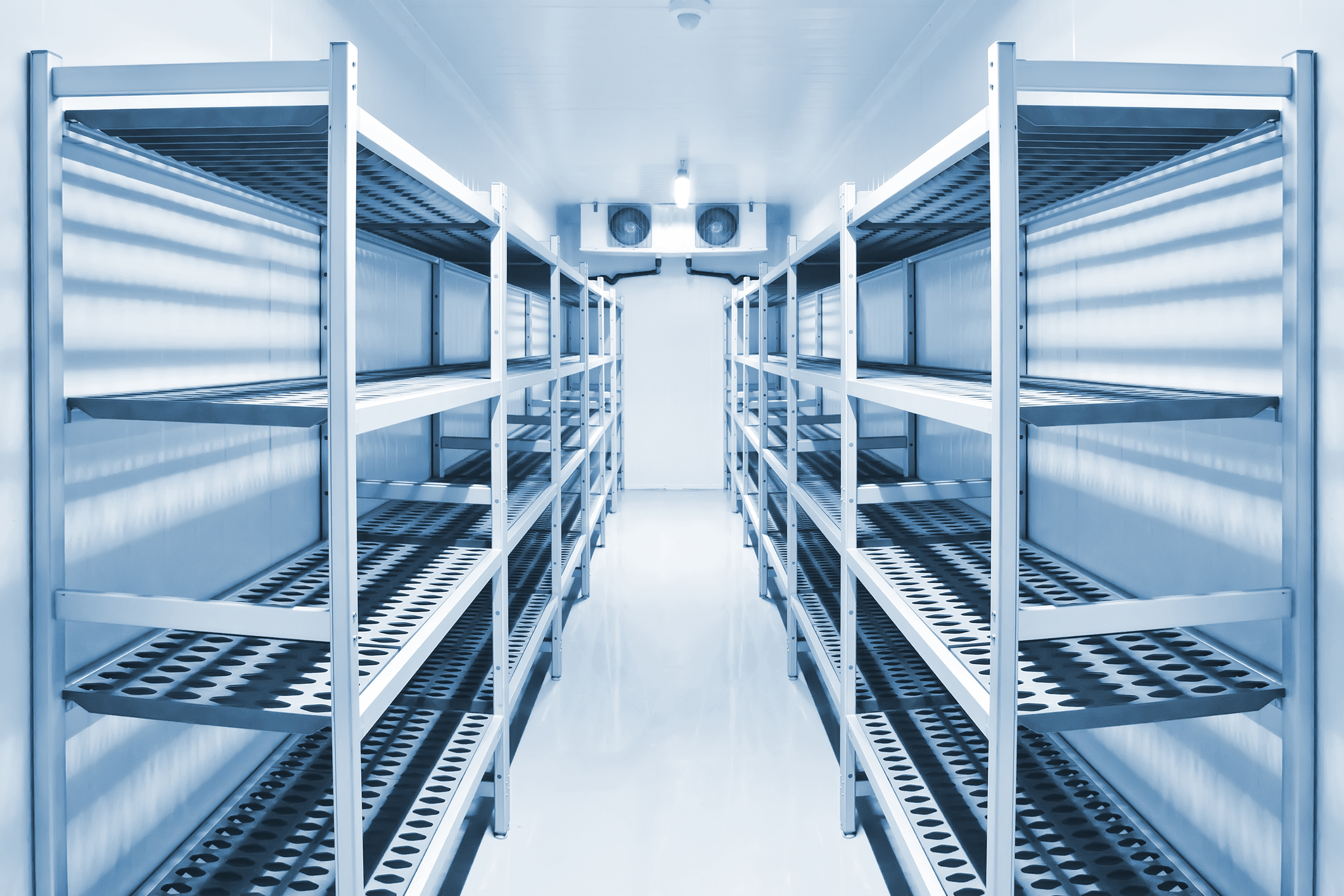
Your walk-in cooler is one of the most important pieces of commercial kitchen equipment. It keeps food at safe temperatures and protects your inventory from spoilage.
If your cooler is not operating properly, food can quickly fall out of the safe temperature zone and become unsafe. The ideal temperature for a walk-in cooler is 35–40°F.
Routine walk-in cooler maintenance helps ensure consistent performance, reduces downtime, and protects food safety.
Why Walk-In Cooler Maintenance Matters
Walk-in coolers run continuously and are essential to daily operations. Even small issues can lead to:
-
Temperature fluctuations
-
Increased energy usage
-
Product loss
-
Equipment failure
Taking a proactive approach to commercial refrigeration maintenance helps prevent costly problems.
Walk-In Cooler Maintenance Tips
Make Sure the Door Closes Properly
Your cooler door should close completely and automatically.
Check for:
-
Properly functioning self-closing hinges
-
Working door closers
-
No obstructions preventing closure
If the door does not close fully, cold air escapes and forces the system to work harder.
Inspect Door Gaskets, Seals, and Sweeps
Even if the door closes, damaged components can allow warm air inside.
Look for:
-
Cracked or torn gaskets
-
Missing seals
-
Worn or dragging door sweeps
Air intrusion can lead to higher temperatures and longer run times.
Check Evaporator Fans for Proper Operation
Inside your cooler, fans circulate cold air throughout the space.
Make sure:
-
All fans are running
-
There are no unusual noises
-
Airflow is consistent
A failed fan motor can reduce airflow and cause the evaporator coil to freeze, leading to system damage.
Maintain Proper Airflow Inside the Cooler
Airflow is critical for performance.
Avoid:
-
Stacking boxes against the evaporator
-
Blocking air vents
-
Overcrowding the space
Restricted airflow can cause uneven cooling and extended run times.
Keep Debris Away from the Evaporator
Loose items such as paper or plastic can get pulled into the evaporator.
This can:
-
Block airflow
-
Reduce efficiency
-
Lead to coil freezing
Keep the cooler organized and free of debris.
Never Attempt to Chip Ice from the Coil
If you notice ice buildup on the evaporator coil, do not attempt to remove it manually.
Using sharp objects can damage the coil and lead to expensive repairs or full replacement.
Instead, contact a trained technician to safely resolve the issue.
When to Call a Professional Technician
If your walk-in cooler is struggling to maintain temperature and these steps do not resolve the issue, it’s time to call for service.
General Parts provides expert walk-in cooler repair and commercial refrigeration maintenance performed by manufacturer-trained technicians.
Contact your local General Parts branch today to schedule service and keep your kitchen running smoothly.